


Webcam – Webcam with Microphone, 1080P Full HD Camera PC Laptop, USB Web Cam Plug & Play, External Streaming Camera, Mini Facecam Video Conference Face Cam for Computer MacBook Microsoft Teams Gaming Meeting Live
€19,98
Related Products



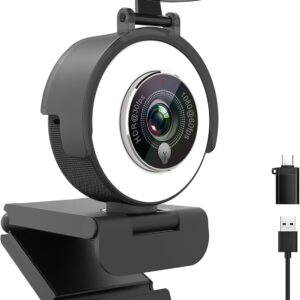
Webcam with Microphone, 1080P Full HD Camera PC Laptop, USB Web Cam Plug & Play, External Streaming Camera, Mini Facecam Video Conference Face Cam for Computer MacBook Microsoft Teams Gaming Meeting Live
Streaming Webcam – kristallklare Videos für Twitch, YouTube & eSports
Product Description
Webcam with Microphone Full HD 1080P, PC Camera with Microphone, Computer Web Cam Plug & Play, USB Facecam for Linux, Windows, Mac OS, Laptop Camera for Skype

HD1080P/30Fps webcam with microphone is built-in HD colour camera. PC camera uses an integrated design scheme, compact structure, high strength, easy to charge and quick to discharge. Full HD1080p videos deliver remarkably sharp, smooth images for Skype conferencing, video calling and YouTube recording. The built-in 2 omnidirectional stereo microphones pick up your voice and filter out background noise, so you can enjoy a clearer voice for hassle-free communication.
Full HD webcam, external camera for MacBook, PC camera with microphone for video conferencing, live streaming, learning, gaming, camera laptop with clear stereo audio, up and down 180 degree adjustable

360° rotation Webacm
With a mounting clip, you can connect the PC webcam to pretty much anything you can imagine. Up and down 180° adjustable, the head can be rotated 360°. You can adjust the angle as needed

1080P video call
Clear video transmission, even in low light. The video automatically adapts to shady or harsh conditions

Quick and easy setup
No need to install additional drivers. USB Facecam is designed with ultra-wide software compatibility, such as Skype, Zoom, Youtube and more

Superior Compatibility
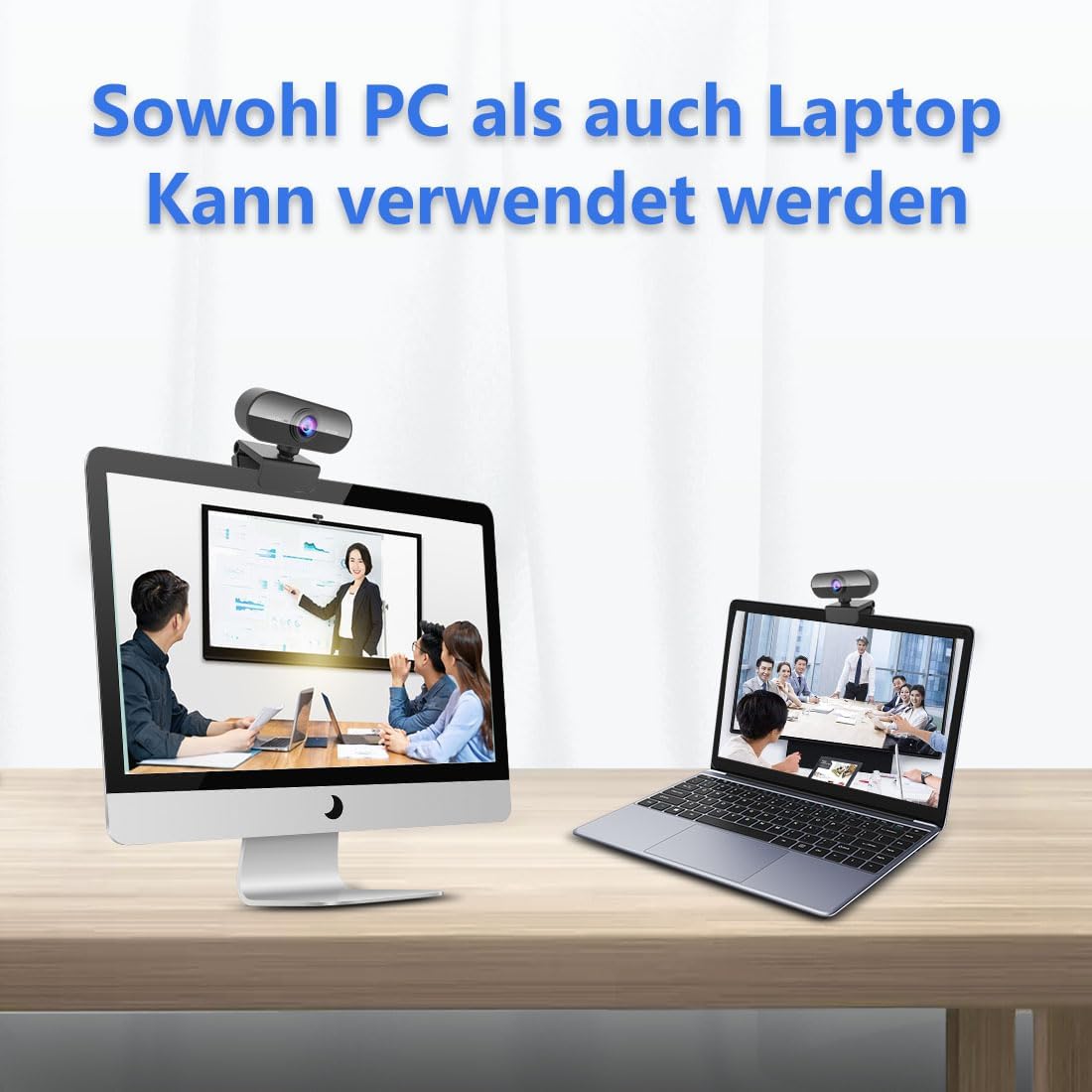
Work on your computers, laptops, desktops, PC, LCD monitors, smart TV, Android box and more.

Web cam with built-in microphone that automatically filters out background noise, so your voice is crystal clear to understand. The highly sensitive microphone allows you to have a clear voice for hassle-free communication
How to use a USB camera?
1. Connect the webcam to your computer. Plug the USB cable of the webcam into one of the rectangular USB ports on the side or back of the computer.
USB plugs can only be plugged in one direction. If the plug does not fit into the connector, turn the plug 180 degrees and try again.
If you’re using a Mac, you’ll most likely need to buy a USB to USB-C adapter to connect a regular webcam.
Make sure you connect the webcam directly to your computer and not to a USB hub. USB hubs are often too low to operate a webcam.
2. This is a plug and play webcam that does not include a CD. Connect the webcam to your computer to start the setup process. During setup, you need to click through a series of settings windows before clicking the Install button.
3. Follow all instructions on the screen. Pay attention to the information in the windows. Most likely, you will need to select certain settings for the web camera to work later.
4. Adjust the webcam as needed.
5. Start a video call with Skype or any other program. Test the sound of the webcam. When talking to the webcam, look for activity spikes next to the „Audio“ section (or similarly titled) in the webcam window. If you do not see any activity here, the webcam microphone will not work and may need to be activated in the settings of the webcam or computer.
6. If necessary, change the settings of your webcam as needed.
Streaming Camera Auto Focus, HD 1080P Camera for Computer, Conference Camera with Microphone Head 360 Degree Rotation for Facetime, Web Cam Laptop Automatic Light Correction

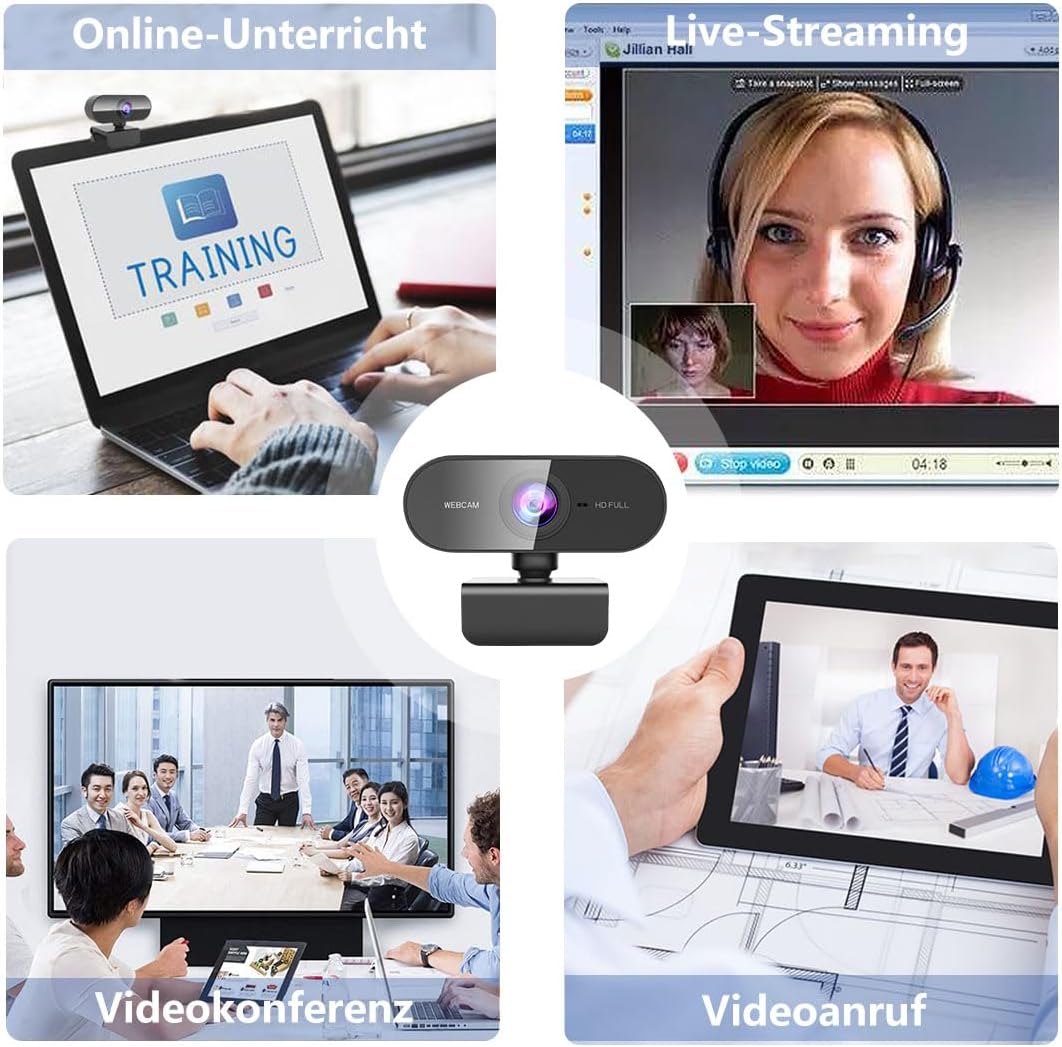
Live Streaming
Are you a fan of live streaming? Well, this streaming webcam is just for you! 1080P full HD image display on the screen, see the clear game scene, and gives you an excellent immersion in the happy time.

Online Teaching
All students need a face cam for online study because it can help you study in the room and save the trouble of going outside to visit a teacher. 30fps video make the remote call smoothly and without delay

Video Conferencing
USB port, plug and play. USB camera can be set up quickly and allows many people to chat together, convenient. Conduct a conference, discussion forum or reporter an interview through this video camera

Video call
PC camera works in HD 1080p video at 30 fps, whether you are on Skype or streaming even gaming delivers crystal clear images, works with Skype, Zoom, FaceTime, Hangouts, PC / Mac / Laptop / Macbook / Tablet
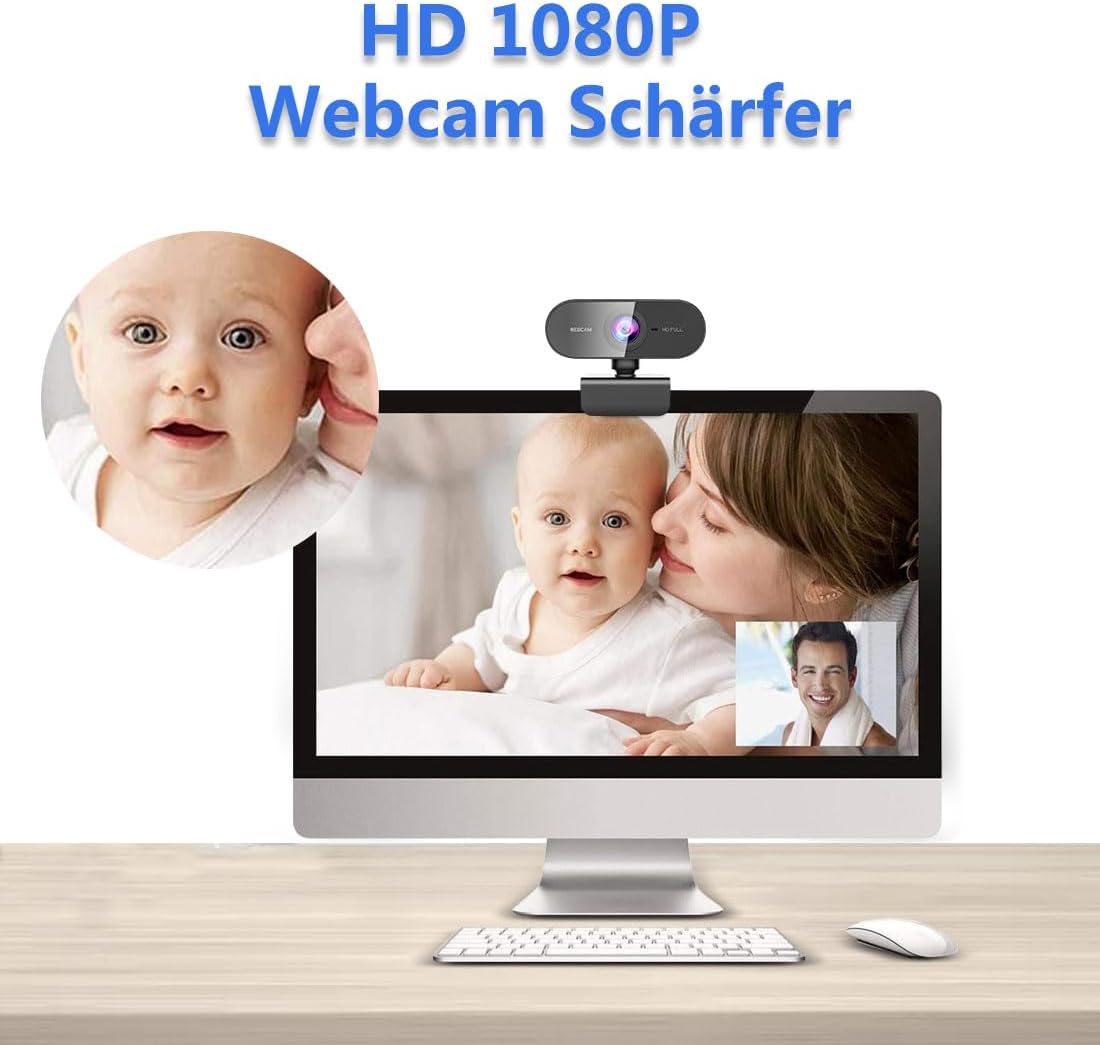
Full HD 1080P webcam for PC: high quality with exquisite appearance. High resolution with 1080P video call. Webcam with microphone is equipped with a full HD glass lens that gives you clarity and details. The glass lens of the PC camera captures sharp images to deliver consistent HD quality. The automatic light correction ensures that you can see clearly even in low light or unfavorable light
Built-in microphone and noise reduction: great for webinars, and video conferencing. Streaming camera and automatic noise reduction make the sound purer and clearer, superior stereo audio that allows clear and natural sound. The camera PC is the best choice for video conferencing to output the sound clearly and clearly in a noisy environment. This 1080P facecam allows you to enjoy clearer voice for hassle-free communication
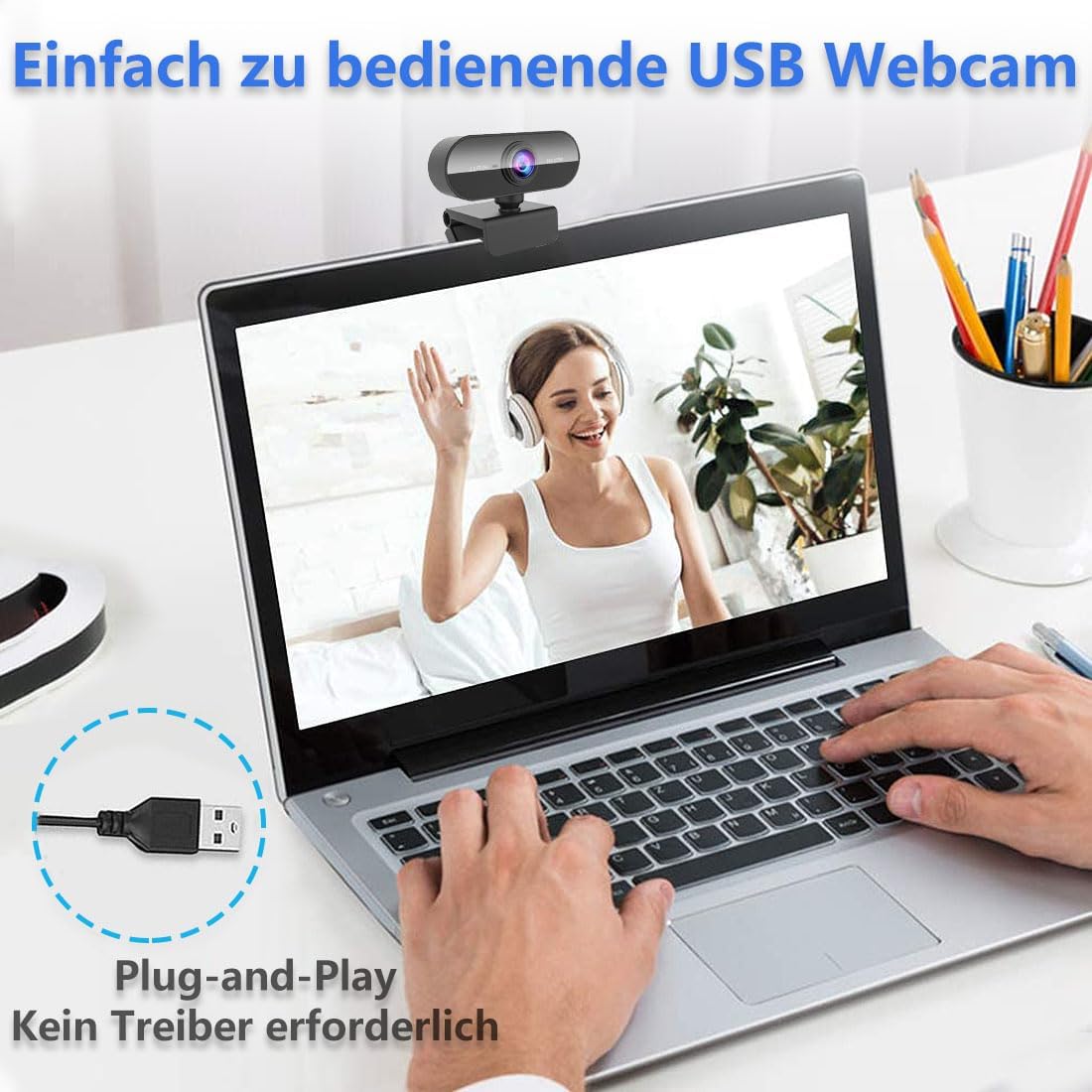
Drive-free and plug and play: USB camera and autofocus, this HD web cam can easily plug in and play video without installing additional software or drivers. PC camera with microphone is compatible with USB 2.0. Easy to set up camera for PC with the help of rotating clip, you can mount it on any device such as laptop, tripod, desktop, computer, LED screen and even just put wireless video camera on a desk
Wide applications and universal compatibility: camera laptop works with Skype, Zoom, FaceTime, Hangouts, PC/Mac/Laptop/Macbook/Tablet. This webcam streaming works in HD 1080p video at 30 fps, whether you are on Skype or streaming even gaming delivers crystal clear images. Computer face cam fits for multi-operation: XP, Vista, Windows, Mac OS, Linux etc operating systems. Face enhancement technology automatically optimizes the image to make you look better in the video
Easy to use: laptop camera with a mounting clip, you can connect it to almost anything you can imagine. Be it on an LED monitor, notebook lid, table or counter top. Up and down 180 degree adjustable, the head can be rotated 360 degrees. You can adjust the angle as needed. Ideal for webinars, video conferencing, live streaming, online teaching, company meetings, gaming, game chats, etc
- 🎥 Scharfes Bild: Ideal für Streams, Discord & Videokonferenzen
- 💡 Top Lichtempfindlichkeit: Klare Darstellung auch bei wenig Beleuchtung
- 🎙️ Integriertes Mikrofon: Gute Sprachqualität ohne zusätzliches Setup
- ⚡ Schnelle Verbindung: Plug & Play – sofort einsatzbereit
- 🏷️ Marke / Hersteller: DDKJ
💶 Aktueller Preis:
€19.98
(Stand: Dec 22, 2025 08:43:13 UTC)
*Anzeige – Amazon Affiliate Link

€19,98